


Evaluate laser cutting nesting software by running a controlled pack of your own drawings, materials, thicknesses, sheet and tube jobs, and machine handoff requirements. File-format claims should be tested with real imports: STEP is used for product-data exchange across computer-based product life-cycle systems, and DXF files can carry structured sections, entities, layers and drawing data that affect import cleanup.
Build an actual-job test pack before the demo
Start with the jobs that expose your real programming workload, not with a vendor sample file.
A useful test pack should include routine work, difficult edge cases and jobs that normally create rework between engineering, programming and the laser machine. Keep the pack small enough to repeat with each supplier, but broad enough to show how the software handles your day-to-day mix.
- Flat sheet parts with typical contours, holes, slots, etching or marking requirements.
- Tube or profile jobs if tube processing is part of the factory workload.
- Several materials and thicknesses that represent current production, not only the easiest material.
- Drawings exported from the same CAD, BIM or ERP workflow that the programming team uses today.
- Jobs with known pain points, such as open contours, duplicate lines, wrong scale, missing bend or weld references, or mixed units.
- Expected outputs for comparison: nested sheet layout, remnant treatment, NC or machine file handoff, setup notes and operator-readable labels.
Check upstream interfaces and file formats before nesting results
A nesting result is only meaningful after the software proves it can import and interpret your upstream data correctly.
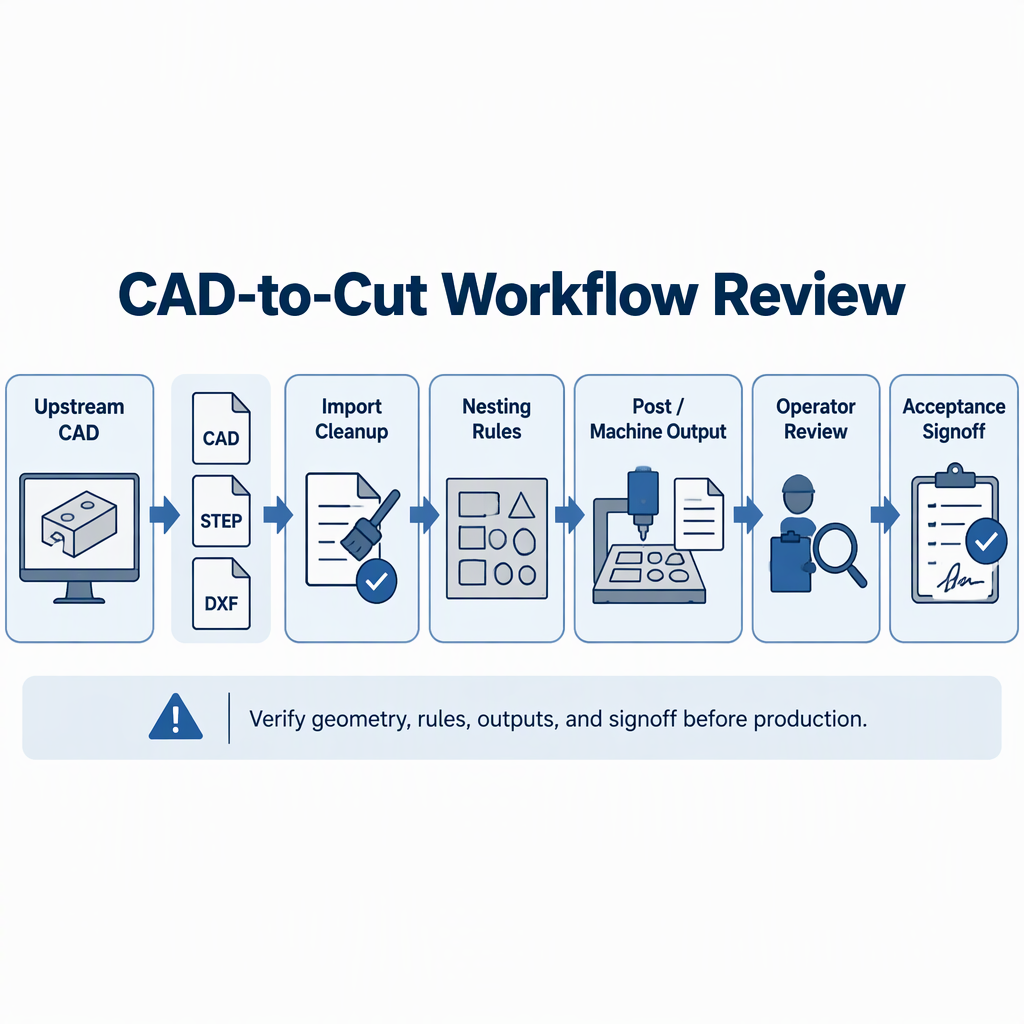
For product-model exchange, the NIST introduction to ISO 10303 STEP describes STEP as a standard for electronic exchange of product data between computer-based product life-cycle systems, with early concentration in design and manufacturing applications.
For 2D drawing exchange, the Autodesk DXF Reference documents DXF file structure, sections and entities, which is why buyers should test actual geometry, layers and drawing data instead of accepting a format name alone.
| Interface item | What to test with your files | Acceptance question |
|---|---|---|
| DXF or DWG-derived flat files | Layers, entities, scale, closed contours, duplicate lines and text or marking data. | Does the import require predictable cleanup, or does it create hidden programming risk? |
| STEP or 3D-derived product data | Whether product-data exchange preserves the information needed for downstream manufacturing review. | Does the workflow keep the geometry and manufacturing context needed by your programmers? |
| BIM, structural or Tekla-related output | Use your own exported files and request a live import demonstration. | Can the supplier demonstrate the workflow on your export version and define who owns corrections? |
| ERP or production-order data | Part numbers, quantities, due dates, material callouts and revision control. | Can operators trace the nested job back to the correct order and revision? |
Represent your real job mix: material, thickness, sheet and tube work
The trial should mirror the factory’s material, thickness, workpiece size, production volume and automation needs.
DATO Laser states that machine selection, process evaluation and configuration recommendations should consider material, thickness, workpiece size, production volume and automation requirements.
| Your workload | Include in the software trial | Decision signal |
|---|---|---|
| High-repeat sheet parts | Common materials, thicknesses and order quantities. | The software should reduce manual preparation without hiding process-rule decisions. |
| Mixed short-run sheet jobs | Several part families, priorities and due dates. | The scheduler or nesting workflow should make job grouping clear to programmers. |
| Tube or profile cutting | Representative tube shapes, cut features and downstream labeling needs. | The software should show how tube geometry moves from import to machine-ready output. |
| Automated loading, unloading or sorting | Any job data needed by auxiliary systems. | The supplier should define which data passes through software and which remains manual. |
Compare nesting outputs without trusting unsupported saving claims
Compare suppliers by running the same job pack under the same rules and recording observable outputs.
A fair comparison uses identical part files, material sheets or tube stock assumptions, kerf and lead-in rules supplied by your process team, and the same remnant policy. Avoid percentage-saving promises unless the supplier shows the inputs, rule settings and calculation method.
| Output to compare | What to record | Why it matters |
|---|---|---|
| Material layout | Sheet or tube usage, remnant definition and unusable offcut decisions. | Shows whether the result matches your purchasing and storage rules. |
| Cut sequence | Lead-ins, pierce order, common-line strategy if used, and heat-sensitive areas. | Connects the nest to the cutting process rather than geometry alone. |
| Programming time | Manual cleanup steps, warnings, corrections and re-imports. | Reveals hidden engineering workload. |
| Operator output | Labels, setup notes, drawings and revision identifiers. | Helps prevent the wrong job from reaching the machine. |
Verify downstream handoff to the laser machine and shop floor
After nesting, verify that the output can move safely and clearly to the laser machine, operator and production system.
- Confirm which machine file, NC file or post-processed output the laser system needs.
- Run the output through the same review path used by programmers and operators.
- Check whether labels, part numbers, order numbers and revisions remain visible through handoff.
- Confirm how remnants, scrap, re-cut parts and urgent insert jobs are handled.
- Review auxiliary needs such as loading, unloading, sorting, marking or bending references if they affect production flow.
- For any live machine verification, follow the machine supplier’s current safety instructions; before any manual access to equipment, switch off and disconnect the applicable power source and use only the access steps permitted by the official manual.
Define responsibility boundaries and risk checks before online verification
Before an online or live acceptance test, agree who owns files, settings, post output, machine readiness and signoff.
- Who prepares and controls the original CAD, STEP, DXF or production-order files?
- Who corrects geometry, scale, layer or revision problems found during import?
- Who defines cutting process rules, including material, thickness, gas, lead-in and pierce assumptions?
- Who validates the post output before it reaches the laser machine?
- Who confirms workspace, utilities, auxiliary systems and operator availability for any connected verification?
- Who signs off the acceptance result, and what happens if the test exposes file or process problems?
Prepare a supplier test brief and acceptance checklist
Send the supplier a concise test brief that describes your real production context and the acceptance evidence you expect.
DATO Laser’s stated selection workflow includes evaluating material, thickness, workpiece size, production volume and automation requirements, which are also useful inputs for a software-focused evaluation brief.
- Factory profile: sheet, tube or mixed processing; main materials; thickness range; workpiece sizes.
- Job pack: sample drawings, product data, order quantities, revision rules and known problem files.
- Process rules: machine model context, cutting gas assumptions, kerf or lead-in preferences and quality constraints.
- Interface requirements: CAD, CAM, BIM, ERP, labeling, remnant and operator-document needs.
- Space and utilities: any constraints affecting online verification, auxiliary systems or machine-side handoff.
- Acceptance checklist: import accuracy, cleanup effort, nesting output, post output, operator readability, responsibility boundaries and signoff method.
Conclusion
Choose the nesting software that performs predictably on your own files and clearly defines the handoff from engineering to the laser machine.
The strongest evaluation is practical: same job pack, same assumptions, same acceptance checklist. File-format background matters, but the buying decision should come from observed import quality, process-rule control, downstream handoff and supplier accountability.
- Use real DXF-derived files to test geometry, entities, layers and cleanup needs.
- Use STEP or product-data files when your workflow depends on broader design and manufacturing information exchange.
- Give suppliers the material, thickness, workpiece, production-volume and automation context needed to evaluate fit.
FAQs about evaluating laser cutting nesting software
Most buying questions can be answered by testing real files, documenting settings and requiring clear acceptance evidence.
What should I test first in laser cutting nesting software?
Test whether the software imports your real production drawings correctly before judging nesting quality or automation features.
Why is DXF import quality important?
DXF files can include structured sections and entities, so import behavior can affect geometry cleanup, layer interpretation and downstream programming work.
When should STEP files be included in the trial?
Include STEP files when your workflow depends on product-data exchange beyond a simple flat drawing, especially between design and manufacturing systems.
How should I treat Tekla or BIM compatibility claims?
Ask the supplier to import your own exported files, show the output path and define who corrects interface problems. Do not accept broad compatibility wording without a demonstrated workflow.
Can I compare software by promised material savings?
Use promised savings only if the supplier shows the baseline, job files, settings and calculation method. Otherwise, compare observable outputs from the same job pack.
What should I send to a supplier before the demo?
Send material, thickness, workpiece size, production volume, automation requirements, representative files and your acceptance checklist.
What matters in an online verification?
Confirm file ownership, import corrections, post output, machine readiness, workspace or utility constraints, safety prerequisites and the person responsible for final signoff.
Related Blogs
-
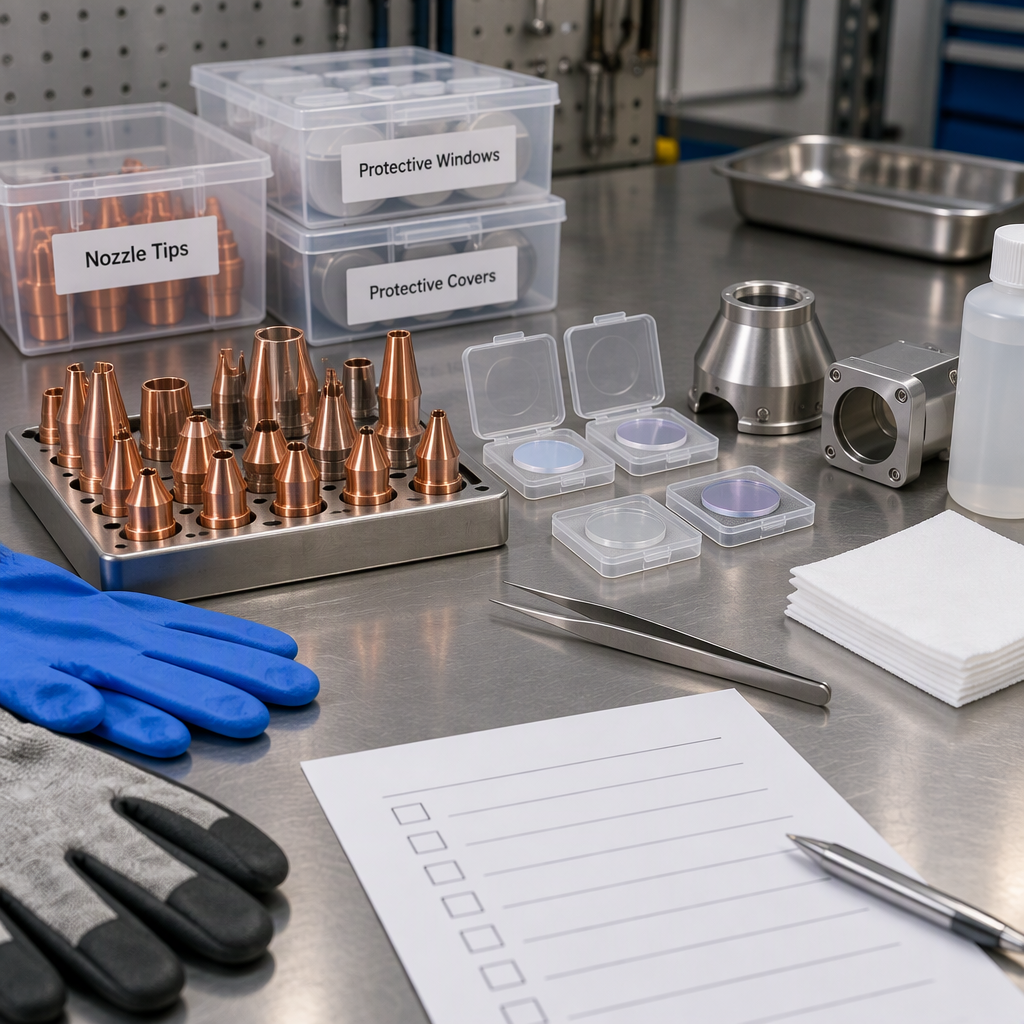 Know when to inspect, clean, adjust, or replace laser welding consumables using condition checks, process fit, safety controls, and acceptance checks.
-
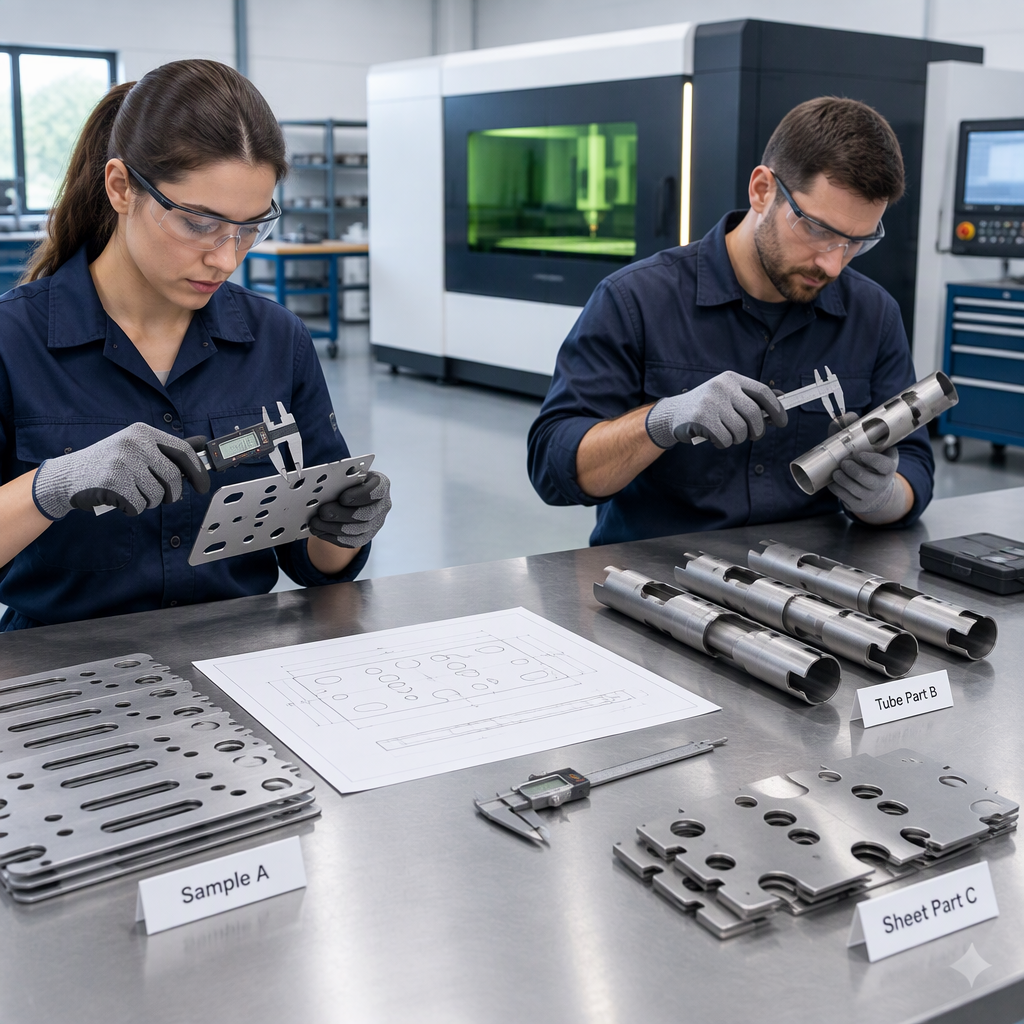 Learn how to assess laser machine bed rigidity with production parts, repeat cuts, process controls and RFQ data before supplier comparison.
-
 Common Robotic Laser Welding Defects: Causes and Troubleshooting StepsA robot can follow the same weld path thousands of times. That repeatability is valuable—but if a part shifts, a joint gap changes, or a process setting is unsuitable, the robot can also repeat the same defect.The most effective rBuyer's Guide
-
 Laser Welding Robot vs. Handheld Laser Welder: Which Fits Your Production?Should your factory invest in a laser welding robot or a handheld laser welder? Both use a laser to join metal, but they solve different production problems. A handheld system gives an operator direct control over the weldingBuyer's Guide

